

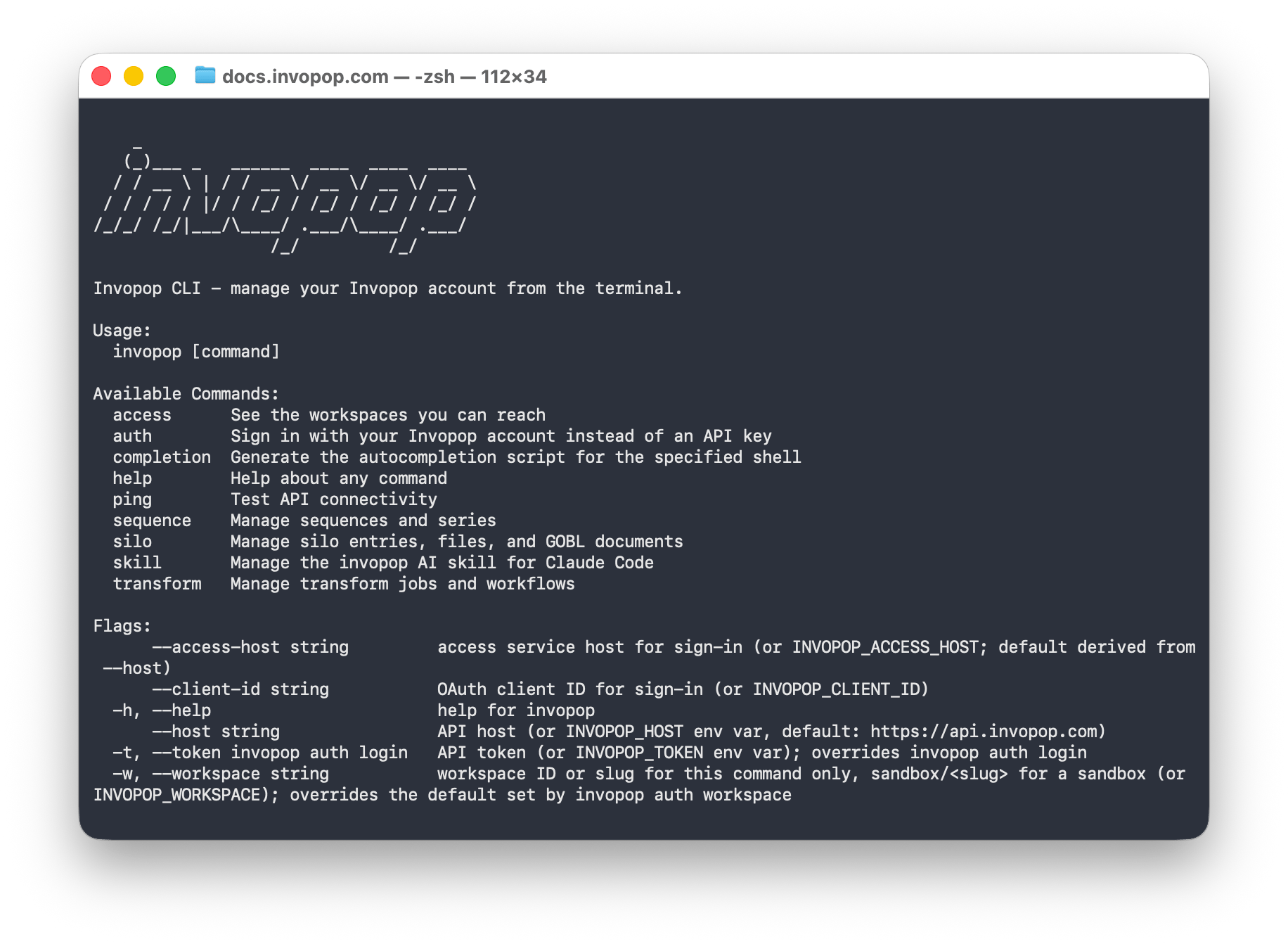
The output of invopop --help, listing the available commands
The CLI is open source at github.com/invopop/cli. Everything it does goes through the same public API as the Console, so it can only do what your account is allowed to do.
Install
- macOS and Linux (Homebrew)
- Download a release
- Go
If you have Homebrew, this is the simplest option and keeps the CLI up to date with your other tools.Homebrew builds the CLI from source the first time, so the install can take a minute.
invopop --help. You should see the list of commands.
Sign in
The login command opens your browser so you can sign in with the same account you use for the Console. The browser then shows a short code to paste back into the terminal, and the CLI asks which of your workspaces to use by default.sandbox/ plus the slug for a sandbox, since live and sandbox workspaces can share a name. To run a single command elsewhere without changing your default, add -w:
Sandbox and live workspaces use exactly the same commands. Check
invopop auth status before doing anything in a live workspace.Using an API key instead of signing in
Using an API key instead of signing in
For scripts that run without a person present, use an API key from the Console instead. Put it in the
INVOPOP_TOKEN environment variable or pass it with --token. An API key already belongs to one workspace, so it cannot be combined with -w.Everyday tasks
The CLI works with GOBL documents, the same format the API uses, written in JSON or in YAML. Save this asinvoice.yaml to follow along. There are no totals because Invopop calculates them for you.
invoice.yaml
id you’ll need later. Giving the entry a --key of your own, such as the invoice number in your system, lets you find it again by that key and makes the command safe to repeat.
id you want, then create a job, which runs one entry through one workflow. With --wait, the CLI waits up to that many seconds and shows you the outcome, including a faults list if a step failed. You can also pass --file instead of an entry ID and the CLI stores the document for you.
files, then download one. This is the one command that writes to disk instead of printing JSON.
--help for the full list of options.
Use with AI agents
Because every command is a line of text with JSON output, an assistant such as Claude Code can drive the CLI just as a person would. You describe what you want in plain language and the agent works out which commands to run. The agent never gets a key of its own. It uses your sign-in, so it can only do what you are allowed to do, in the workspace you chose. You stay in charge of logging in: the agent cannot complete the browser sign-in for you and should never ask for the code the browser shows. The CLI ships with a skill that teaches Claude Code how Invopop works. Install it, then type/invopop in Claude Code followed by what you need, for example “check whether invoice.yaml is valid and tell me what’s wrong”.
invopop skill show and paste it into that tool’s instructions. For agents that call the API directly, see the agent primer.