

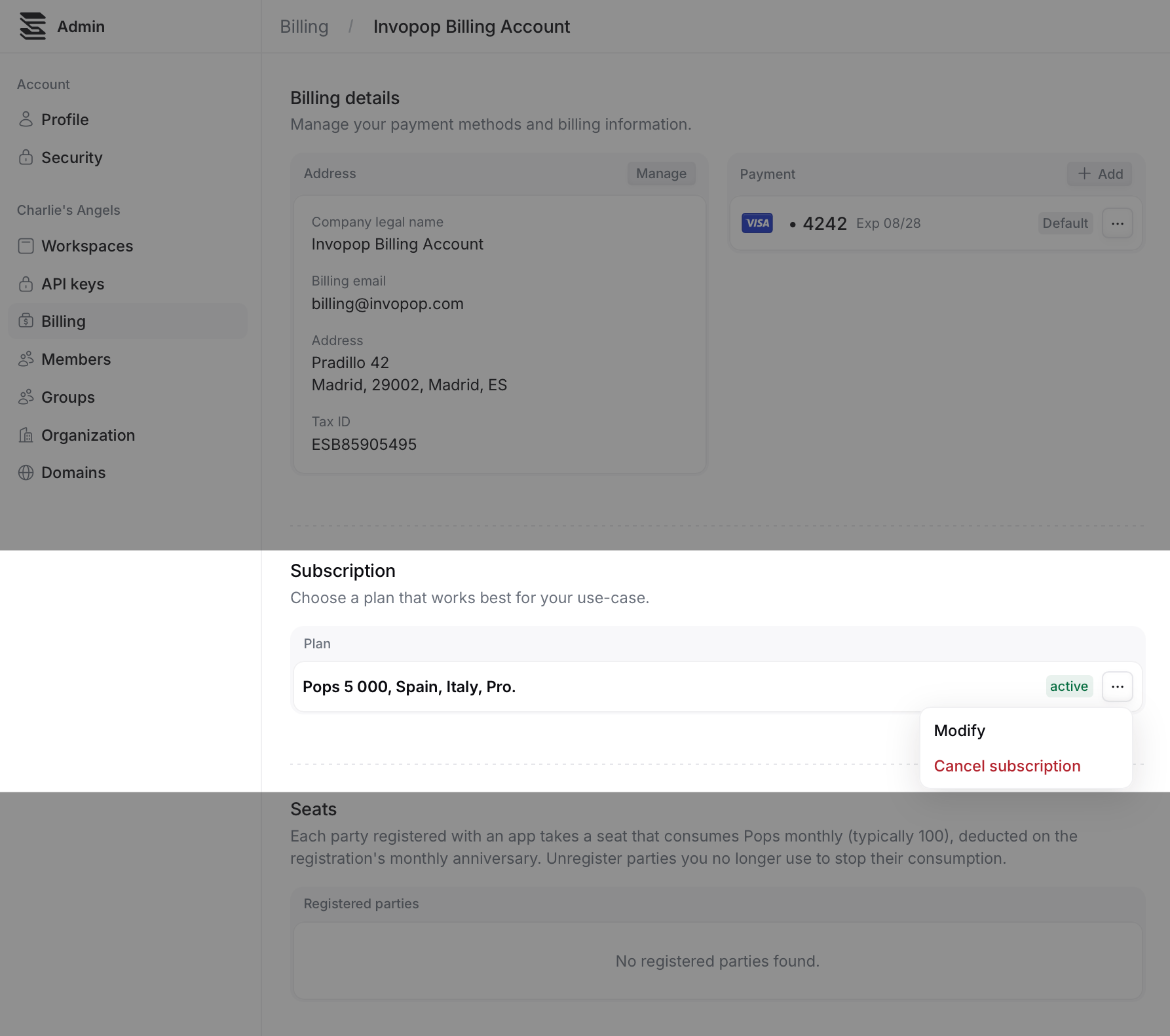
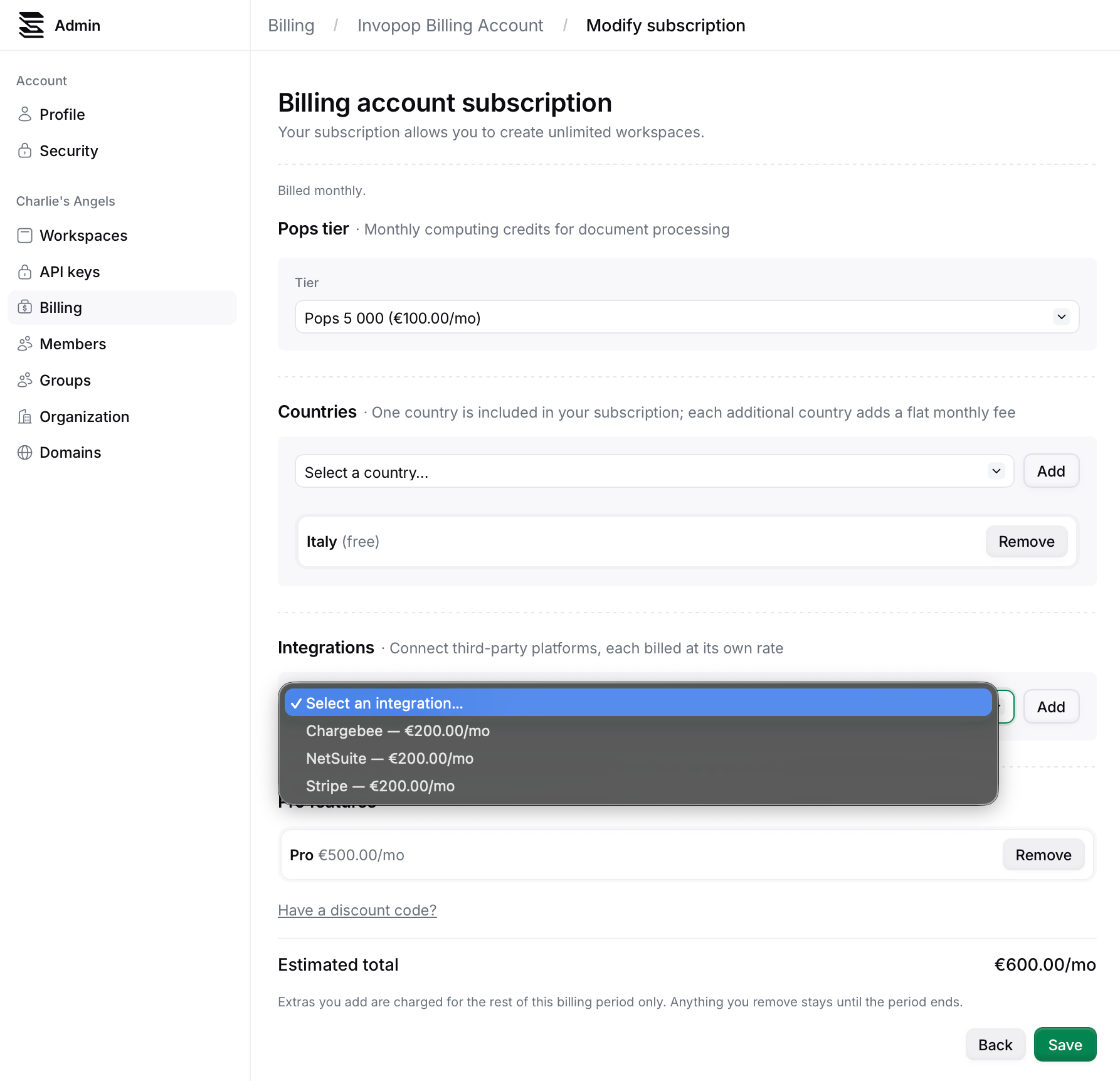
Note: To connect an app in your live workspace, first add it to your subscription. Free apps are no exception: your first country app costs nothing, but it still has to appear on your plan before you can use it.
FAQ
I can't see the Modify option. How can I change my subscription?
I can't see the Modify option. How can I change my subscription?
Get in touch with us at support@invopop.com, and we will modify it for you.