

Members
Disable members
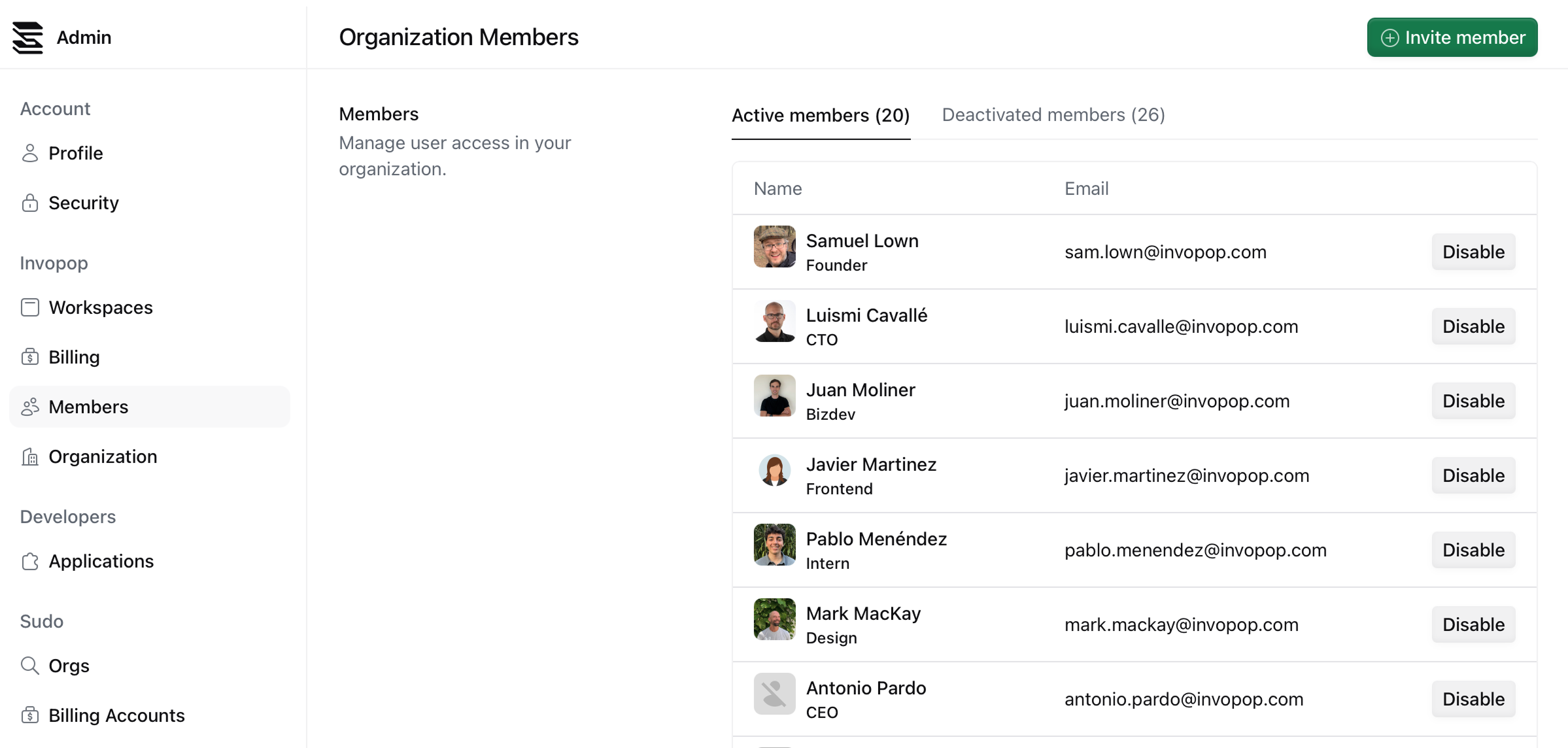
Disable or remove a member’s access to your workspace.
Available on the following plans:
Dev
Pro
Enterprise
To disable a member, click on the Disable button on the member’s row. You will be prompted to confirm the action.