

What an invited member can see and do is decided by the groups you add them to. See Roles and groups to set up role-based access control before or after inviting people.
Invite a new member
To invite a new member to your organization:- Navigate to the Members section in admin.
- Click the Invite member button in the top right corner.
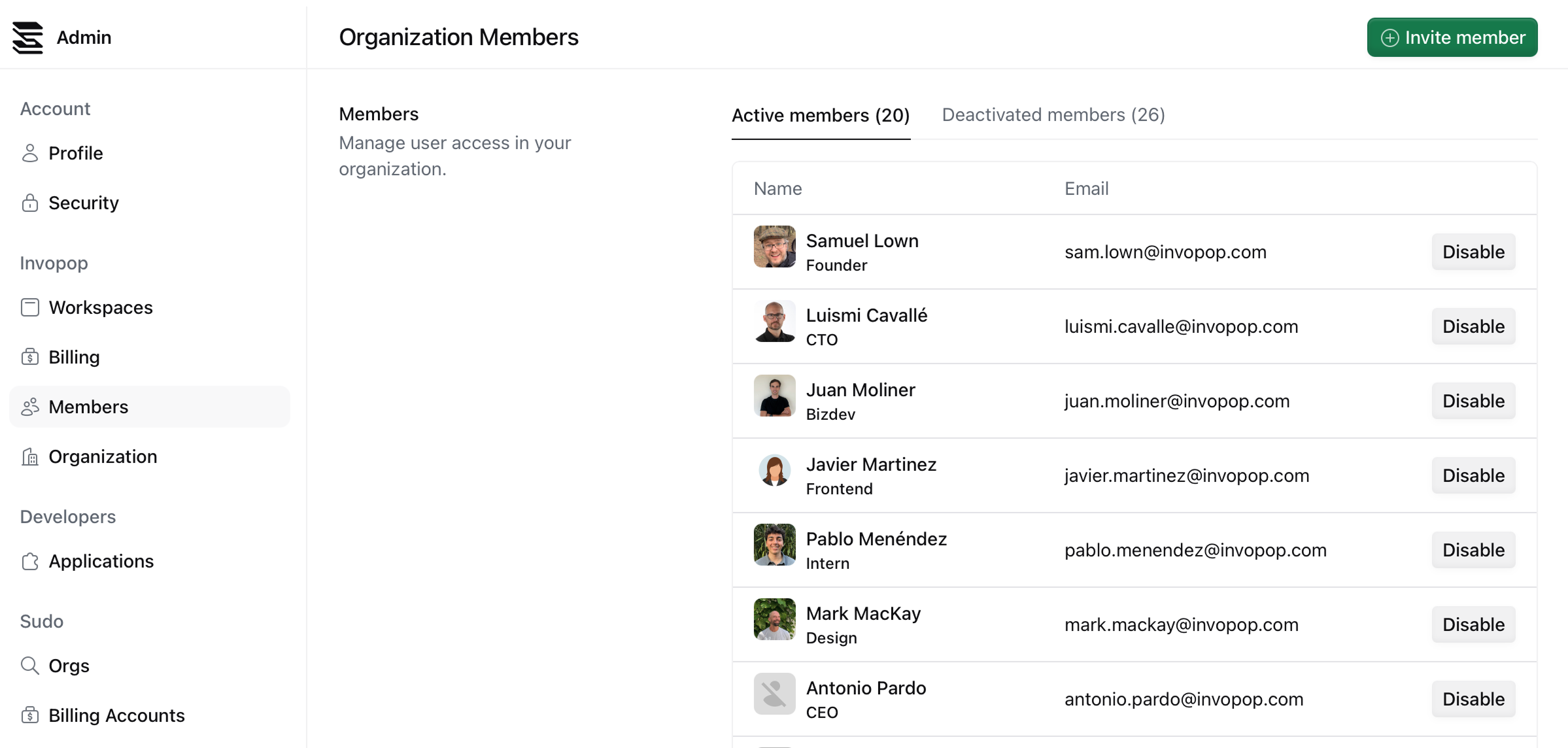
- Fill in the invitation form with the member’s details.
- Click Send invitation.
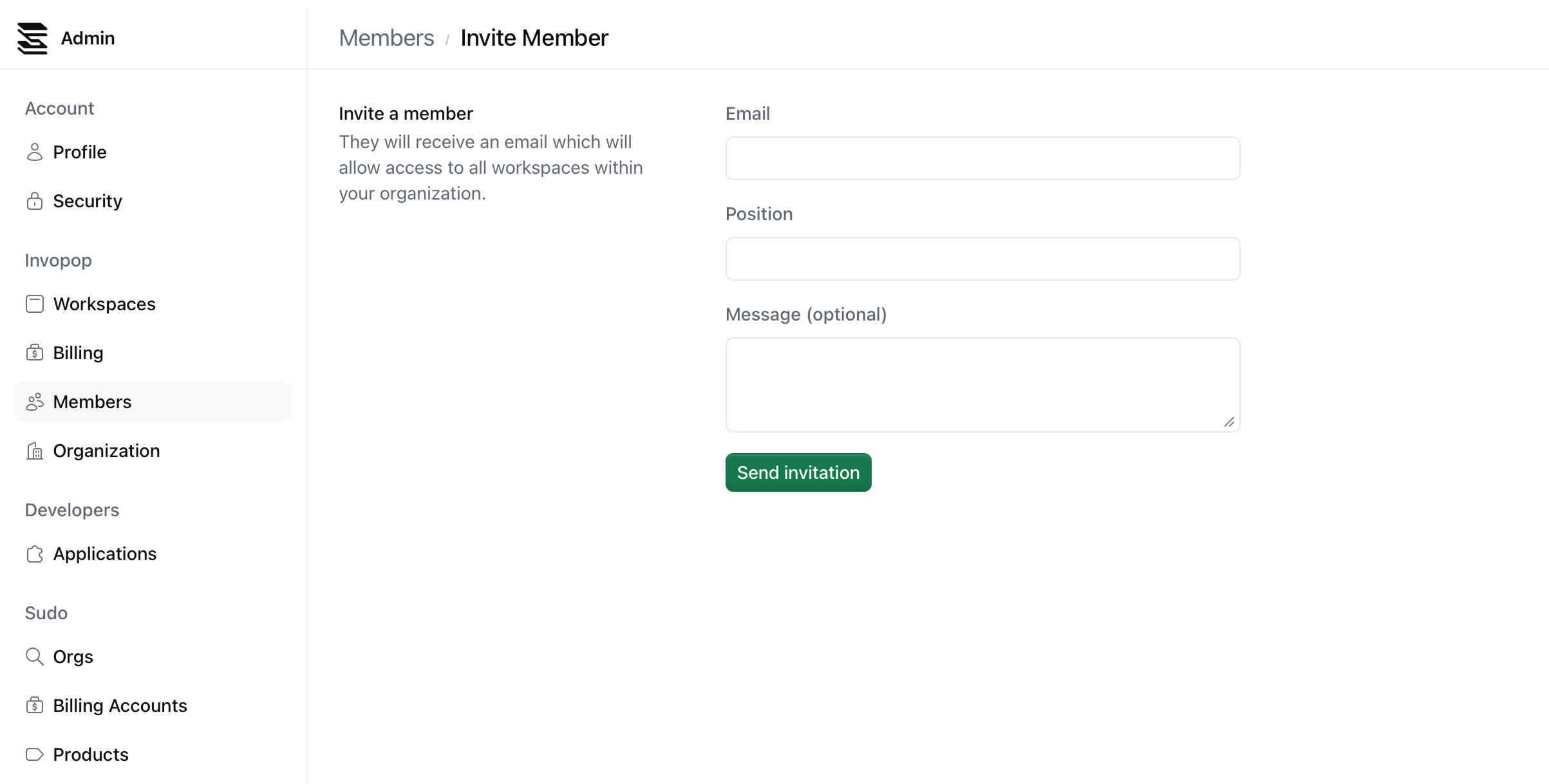
The invited member receives an email with a link to join your organization. When they accept the invitation:
- They appear in your members list with their email address and position
- They have full access until you assign them to a group, after which their groups decide what they can reach
FAQ
Can I invite someone who doesn't have an Invopop account?
Can I invite someone who doesn't have an Invopop account?
Yes. When they click the invitation link, they’ll be prompted to create an account before joining your organization.
Can a member belong to multiple organizations?
Can a member belong to multiple organizations?
Yes. If a member is invited to multiple organizations, they can switch between them and hold different roles in each. This is useful for consultants who provide services to multiple clients.
What permissions do invited members have?
What permissions do invited members have?
Full access until they are assigned to a group. After that, whatever their groups grant: roles define the permissions and groups apply them per workspace. See Roles and groups.
Can I revoke an invitation after sending it?
Can I revoke an invitation after sending it?
Yes, invited members will appear in the members list immediately, and you can disable them if needed. See Deactivate members for details.