

Introduction
Before a German supplier sends or receives invoices, by email or through Peppol, Invopop approves it. The supplier’s legal representative completes an onboarding that shows who can act for the company. The Germany app runs the onboarding, and the Peppol app then registers the supplier. For issuing invoices, see the companion guide: Germany issuing invoices guide.In sandbox, set the configuration of the Wait for supplier approval step to
{"response": "reject"} to test a rejection.Prerequisites
- A German VAT ID on the party. Registration adds the supplier’s GEBA (
0246:DE…, its VAT ID with theDEprefix) as its Peppol ID, unless the party already has a Peppol inbox. - The legal representative, with their email and a photo of their ID card or passport. Invopop uses this email to contact the representative about the terms of service.
- A proof of ownership: a document that shows that the legal representative can act for the company, such as an extract from the commercial register (Handelsregisterauszug).
Setup
All of the following steps must be carried out from the Invopop Console.1
Connect the Germany app
- Navigate to Configuration → Apps.
- Find Germany in the app discovery list.
- Click Connect to activate.
2
Connect the Peppol app
Follow the Peppol guide to connect and configure the Peppol app.
3
Configure the supplier registration workflow
Germany register supplier workflow
Add to my workspace →
- Workflow
- Code
Register a supplier
1
Upload the supplier
In the left sidebar, go to the Parties section and click Suppliers. Click + New Supplier, paste the example below and adapt it. Click Build to validate the document, then Save.
Germany supplier example
2
Run the registration workflow
Click Select Workflow, choose the Germany register supplier workflow and click Run Workflow. The state of the entry changes to Processing.The onboarding link appears in the entry’s Meta tab, under
approval-link. Send it to the supplier’s legal representative.3
Complete the onboarding
The legal representative follows the link and completes the onboarding wizard.
4
Wait for the approval
When the supplier confirms, the workflow continues. It stores the approval on the party, registers the supplier on Peppol and sets the state to Registered. If the approval is rejected, the workflow fails with the reason.
An approval covers the party as it was when it was approved. If the party changes after the approval, the workflow fails. Run it again, and the supplier completes a new onboarding.
Complete the onboarding via the API
To use your own pages instead of the onboarding link, call the Germany app API with the workspace’s token, in this order: representative, terms of service, ID document, proof of ownership and confirm.The onboarding wizard
1
Start
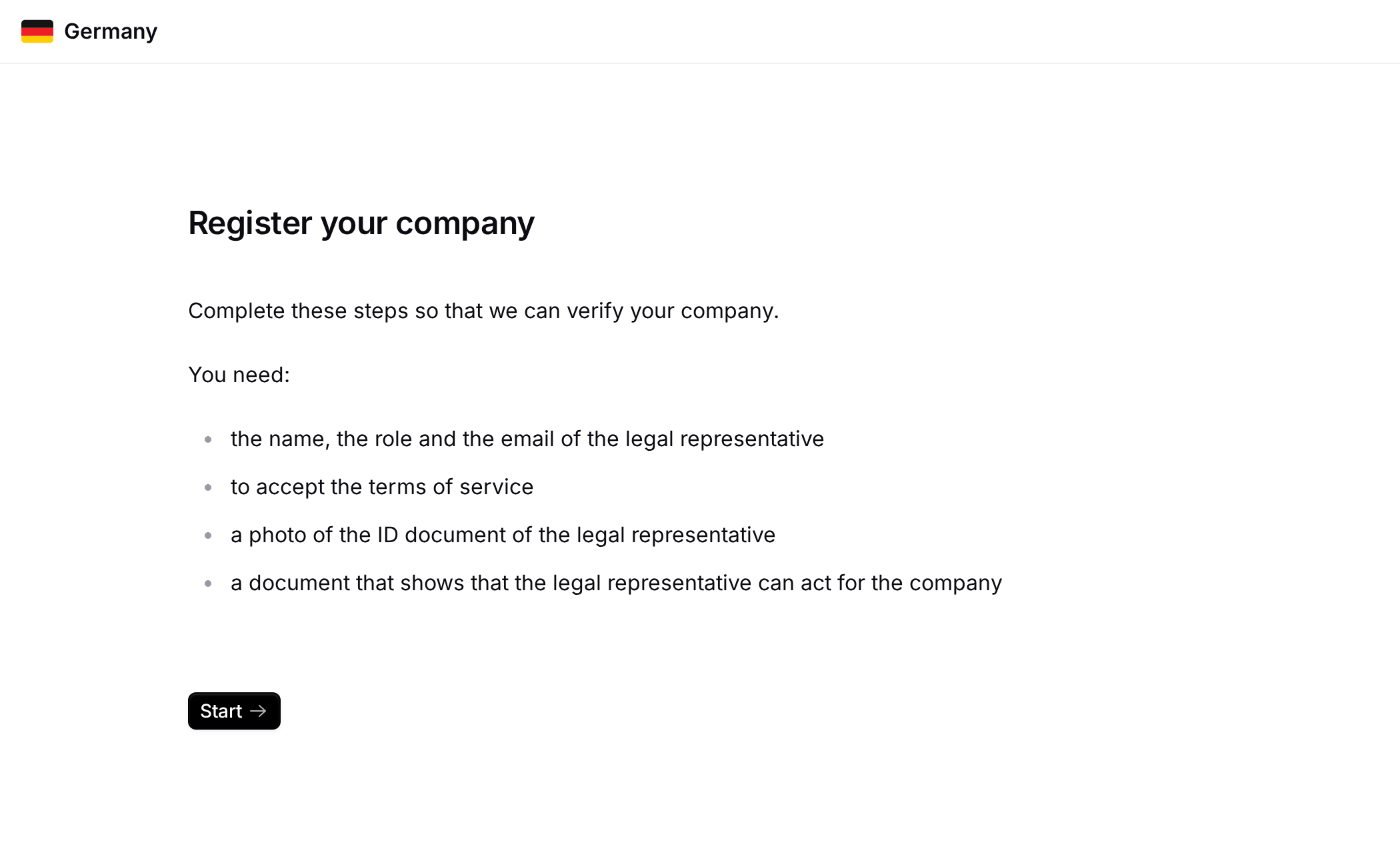
Start screen
2
Company details
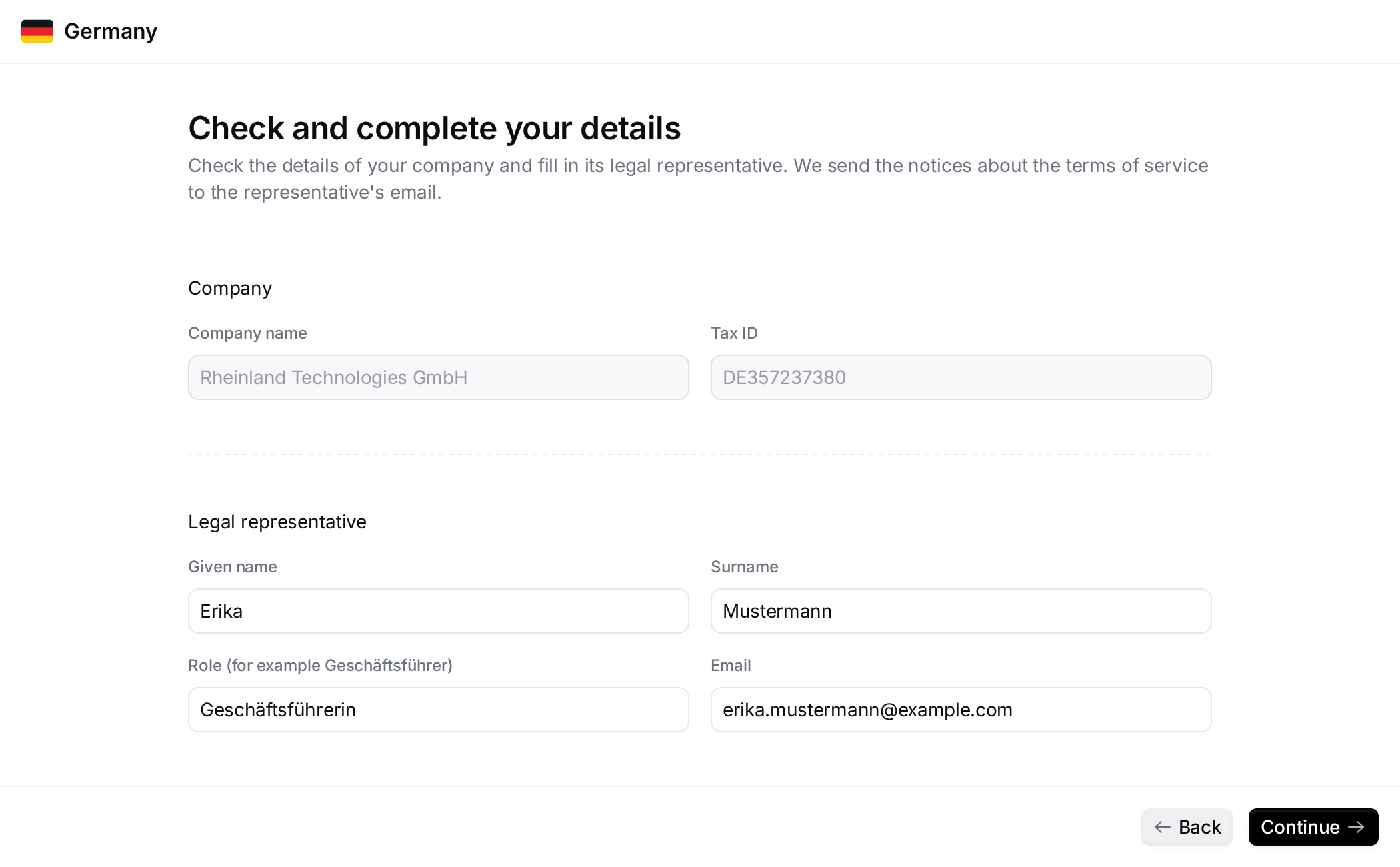
Company details screen
3
Terms of service
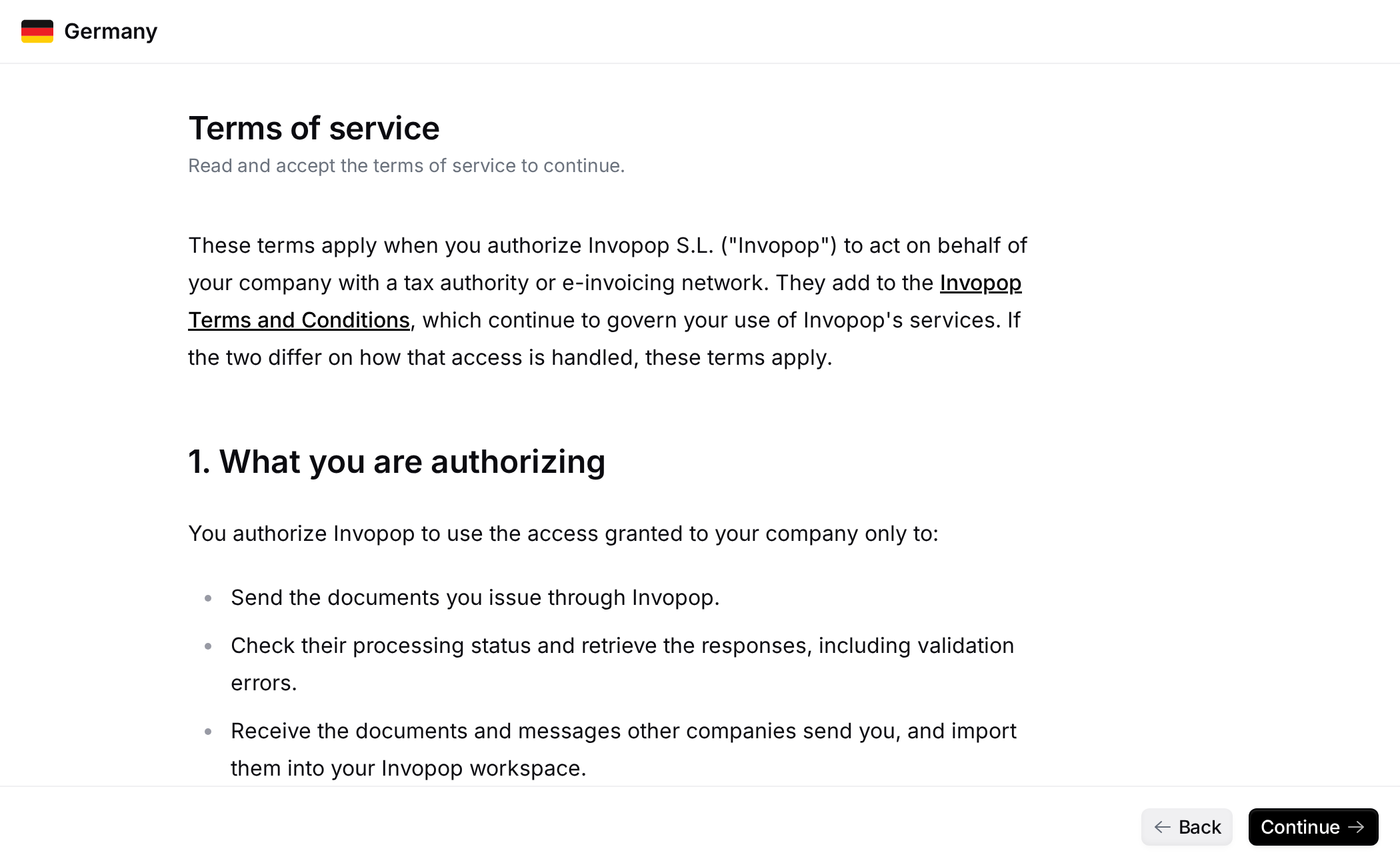
Terms of service screen
4
ID document
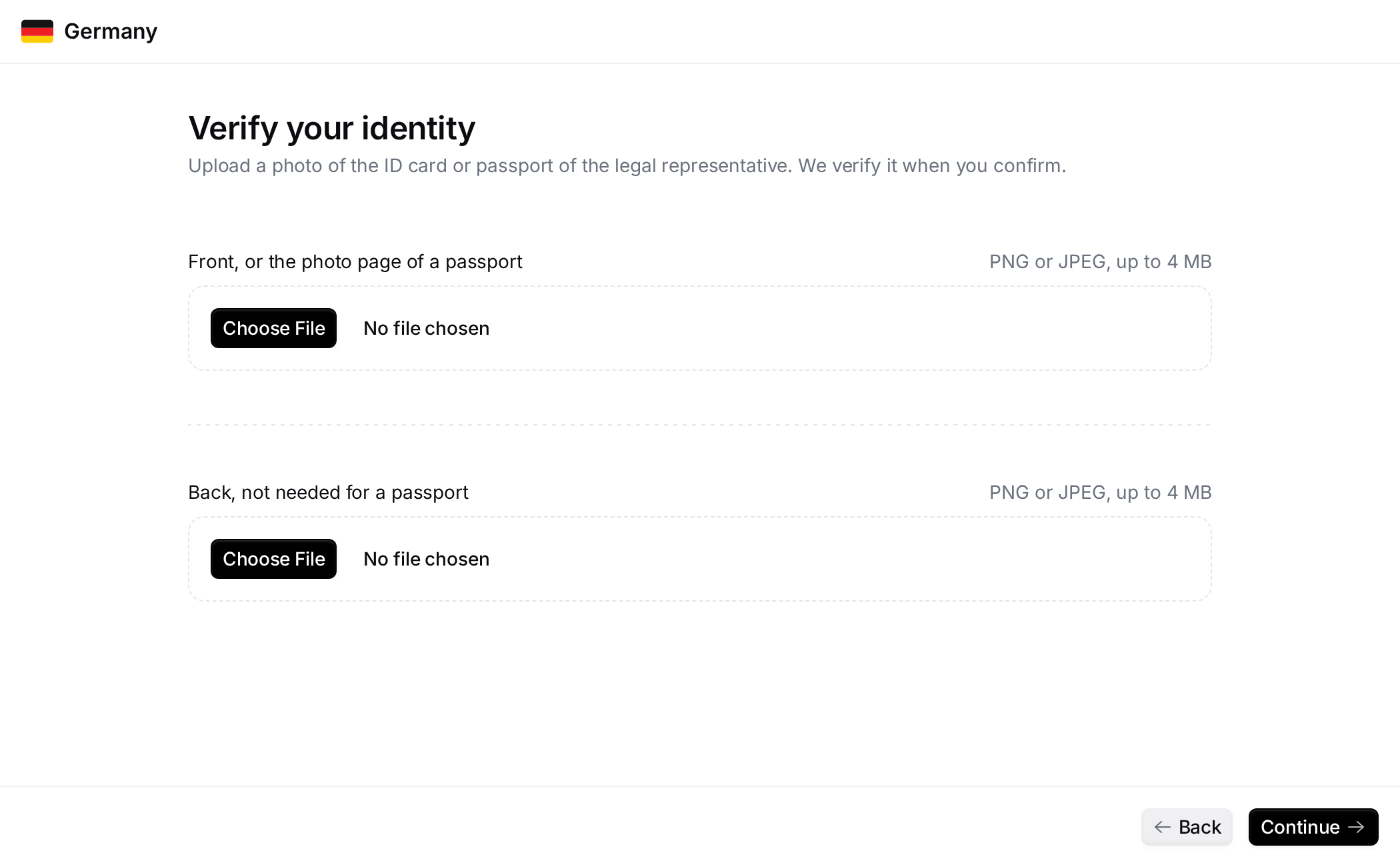
ID document screen
5
Proof of ownership
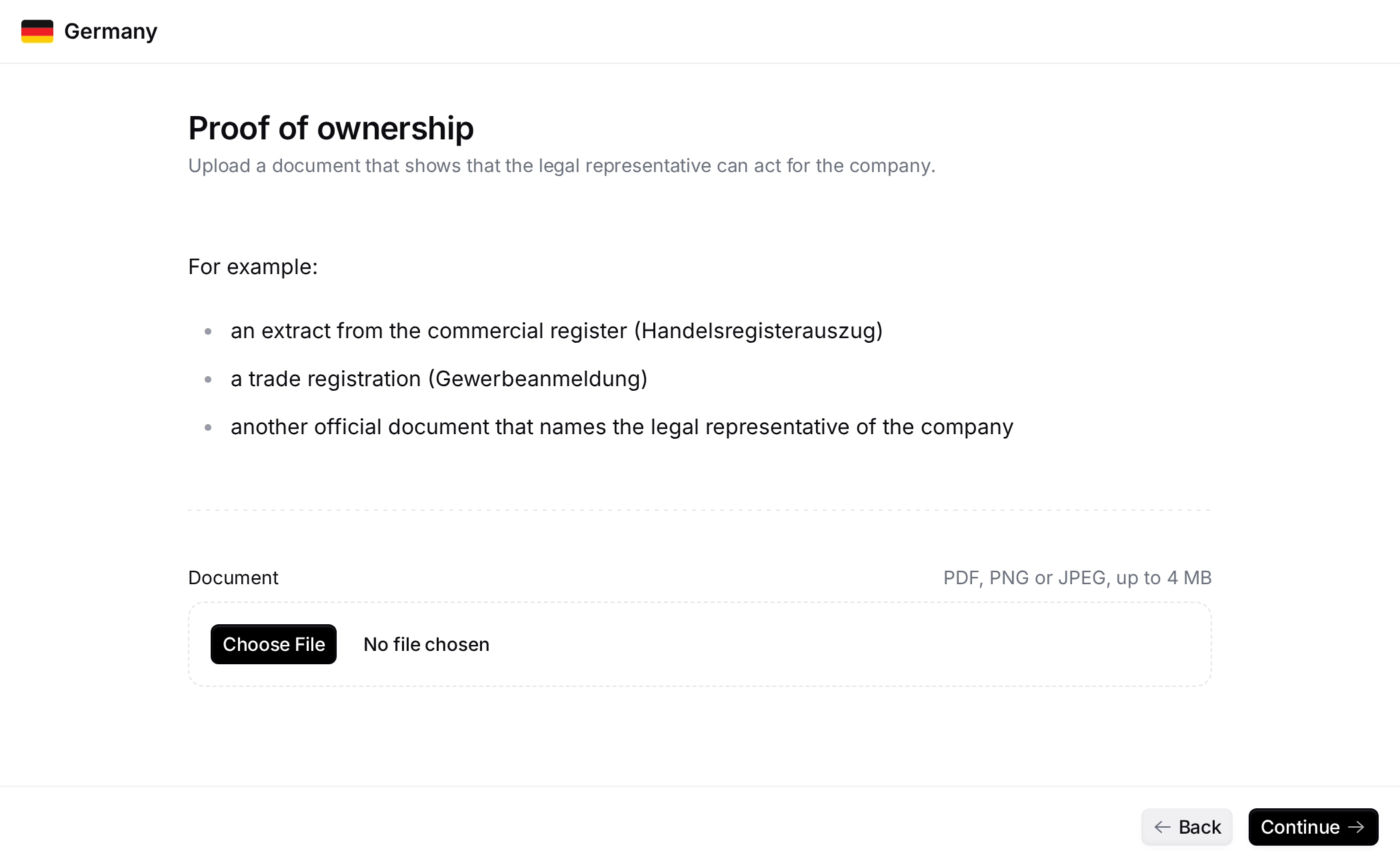
Proof of ownership screen
6
Confirm
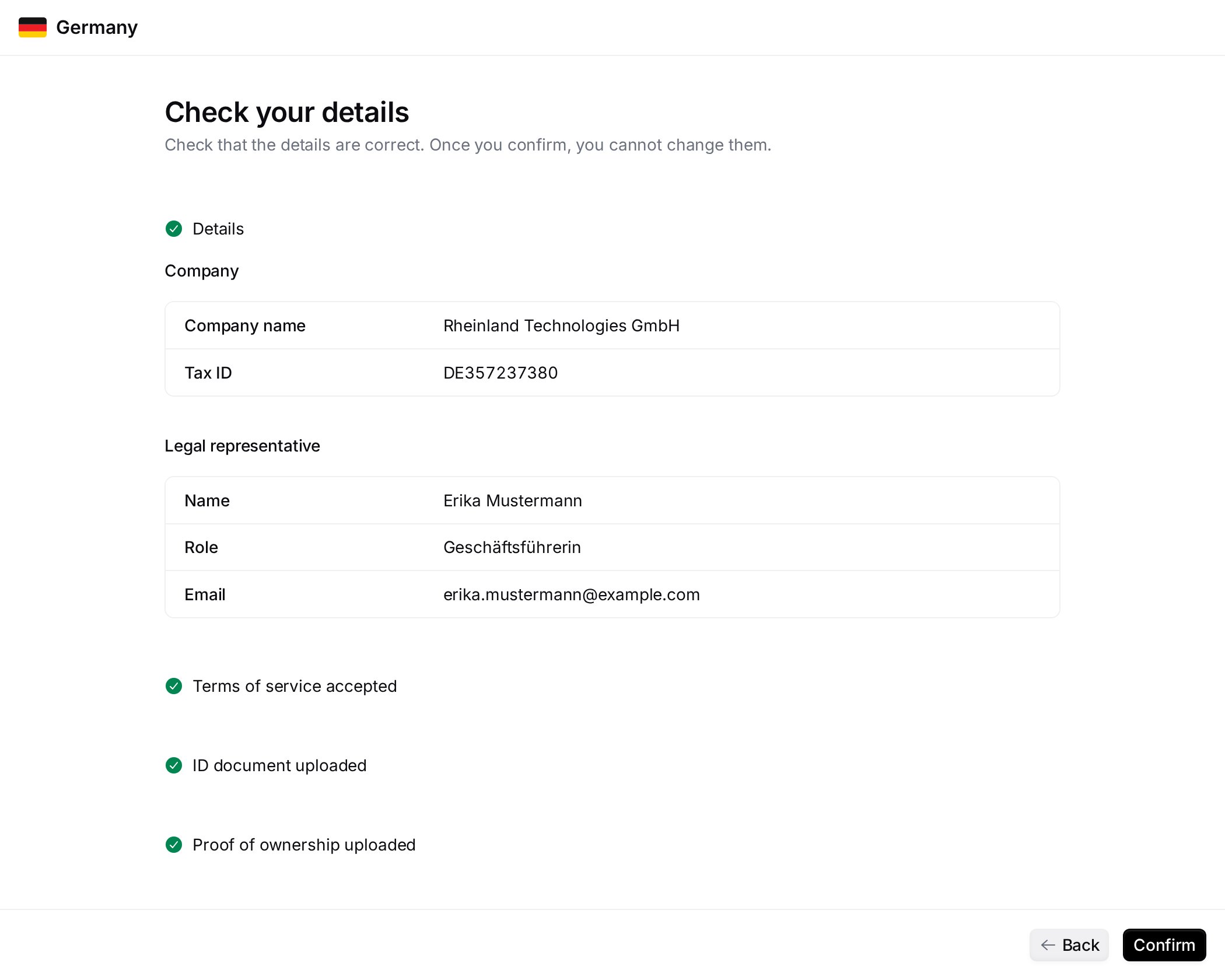
Confirmation screen
7
Result
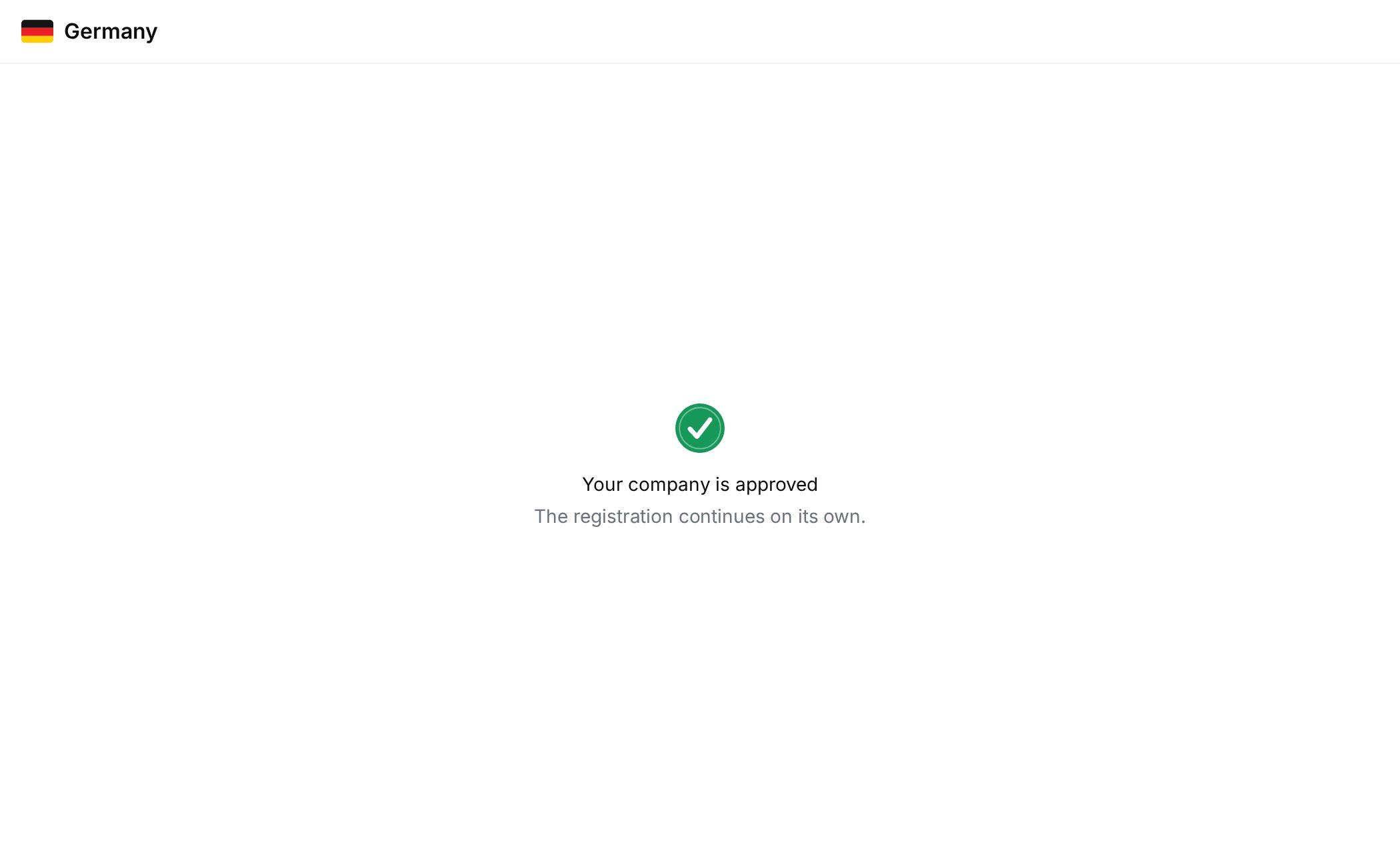
Result screen
Unregister a supplier
The unregistration workflow removes the supplier from Peppol, cancels an onboarding in progress and removes the approval.Germany unregister supplier workflow
Add to my workspace →
- Workflow
- Code
FAQ
How do I onboard a new supplier in Germany?
How do I onboard a new supplier in Germany?
Register every supplier with the supplier registration guide, whether it uses email or Peppol. The supplier’s legal representative completes an onboarding, and Invopop then registers the supplier on Peppol.
How do I register a supplier with Peppol in Germany?
How do I register a supplier with Peppol in Germany?
Run the Germany register supplier workflow. It adds the supplier’s GEBA (scheme
0246, its VAT ID with the DE prefix) as its Peppol ID when the party has none, and publishes an onboarding link. Once the onboarding is approved, Invopop registers the supplier on Peppol.🇩🇪 Invopop resources for Germany
🇩🇪 Invopop resources for Germany



Participate in our community
Ask and answer questions about invoicing in Germany →