

Introduction
Before a company can issue electronic tickets (documento commerciale/scontrino elettronico) in Italy, they must be registered as a supplier in Invopop with the credentials they use on the Agenzia delle Entrate (AdE) portal, so that receipts can be relayed to the AdE on their behalf. In this guide you’ll learn how to register a supplier using the Smart Receipts Italy app. Once a supplier is registered, continue with the companion guide: Italy: Issuing receipts.Prerequisites
To register a supplier for Smart Receipts, you will need:- An Italian tax ID (Partita IVA) for the supplier.
- The supplier’s codice fiscale.
- The supplier’s AdE portal credentials (password and PIN).
Setup
There are three key processes to prepare:- Create a supplier post-registration workflow.
- Connect the Italian Smart Receipts app.
- Configure a supplier registration workflow.
These instructions work in both sandbox and live environments. The only differences are in supplier data and registration details when using test environments.
1
Create Supplier post-registration workflow
Smart Receipts supplier post-registration workflow
Add to my workspace →
- Workflow
- Code
2
Connect the Italian Smart Receipts app
- Navigate to Configuration → Apps.
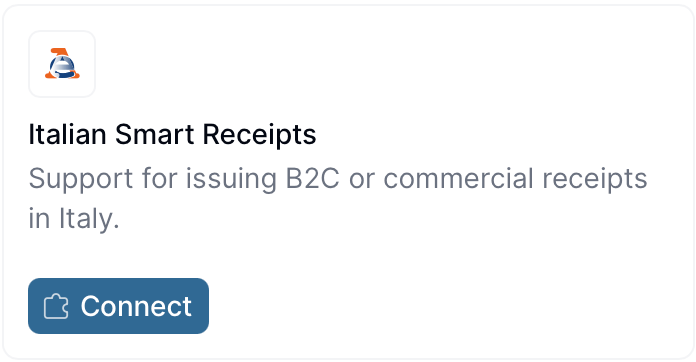
- Find Italian Smart Receipts in the app discovery list.
- Click Connect to activate.
3
Configure the supplier registration workflow
Smart receipts supplier registration workflow
Add to my workspace →
- Workflow
- Code
Register a supplier
You can register suppliers either manually via the Invopop Console or programmatically via the API. The process is essentially the same. We’ll demonstrate the manual process first, followed by the API flow.- Navigate to Parties → Suppliers in the sidebar
- Click + New Supplier
- In the editor, enter the supplier details
View supplier Data for sandbox
View supplier Data for sandbox
You may notice that we included the Italian fiscal code in the supplier, this is not necessary at the moment but will be asked for, if not provided, during the registration process.
Processing state. Tap the Meta tab to see the registration link:
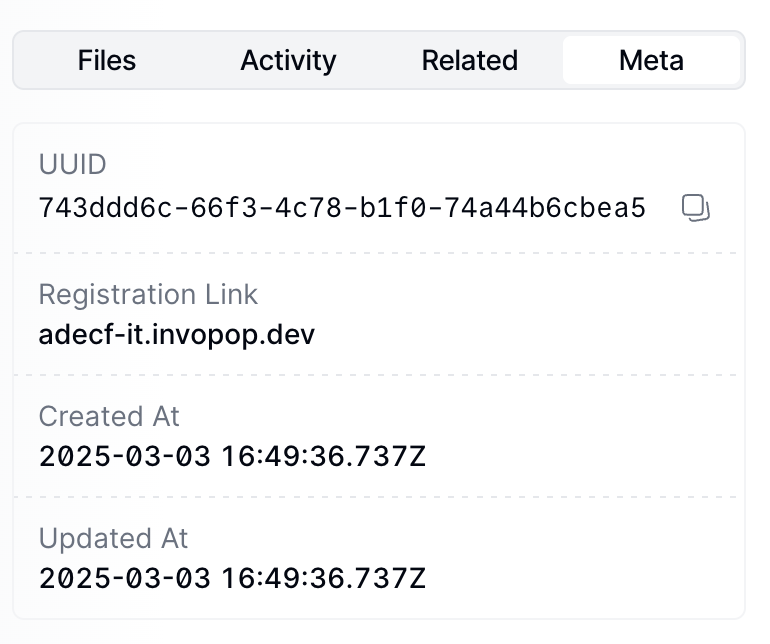
You can access the registration link via the API by fetching the silo
entry and reading the
meta row where
the key is set to registration-link.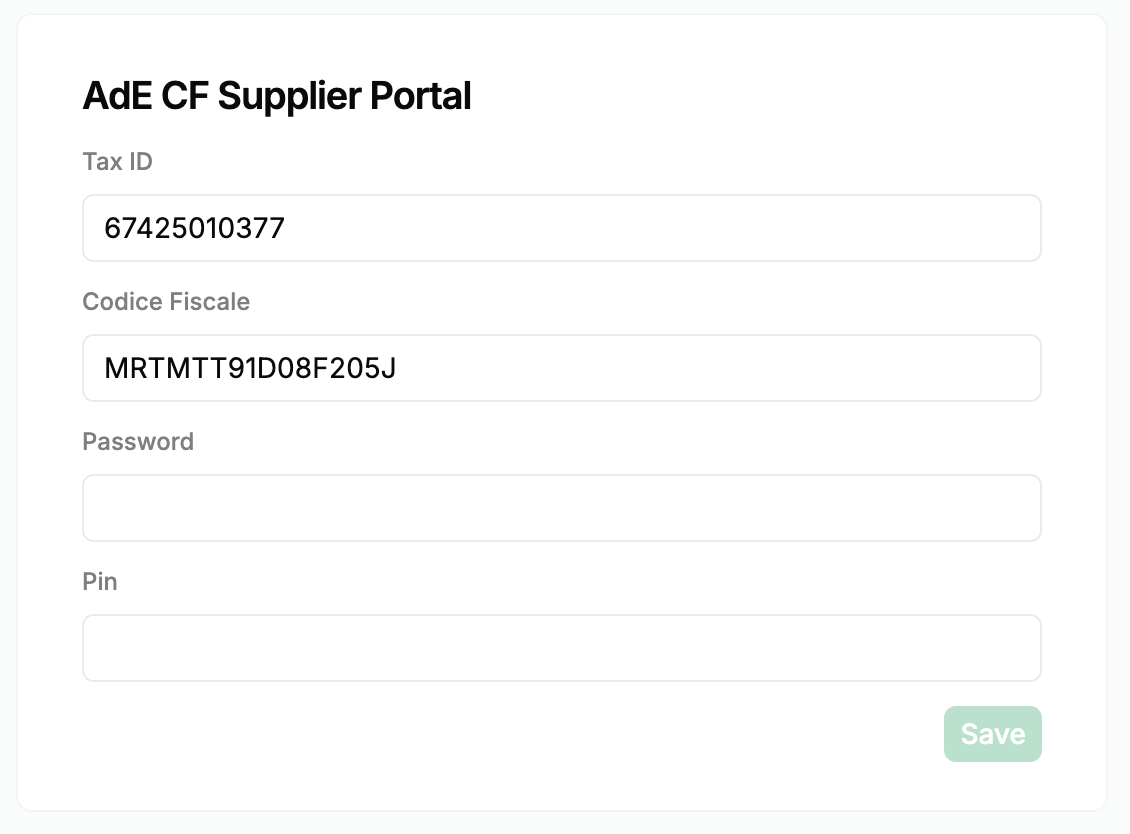
KO with the fault code invalid-credentials (“Please update the credentials for the supplier”). The code appears in the job’s faults and in the faults of a webhook step in the workflow’s error flow. Invopop doesn’t warn before the 90 days are up, so track the renewal date on your side, and use that fault code to prompt the supplier to renew through the same registration link. Sandbox doesn’t check credentials, so this case can only happen in live.
At this point, you’re ready to start issuing receipts on behalf of the supplier. Head over to the Smart Receipts issuing guide to continue.
Register a supplier via the API
The whole registration process can also be completed programmatically. This is useful in white-label setups where you want to collect the supplier’s credentials inside your own product instead of sharing Invopop’s hosted form.1
Upload the supplier
Use the Create an entry endpoint to upload the supplier party, like the example in the previous section. The party must include the company
name and an Italian tax_id (Partita IVA). Optionally include the it-fiscal-code identity and an email address to pre-fill the registration form.2
Run the registration workflow
Send the supplier to the registration workflow using the Create a job endpoint with the IDs of the silo entry and the supplier registration workflow created during setup.
3
Fetch the registration link
Fetch the silo entry and read the The URL is signed: the
meta row where the key is registration-link. The link_url will look like this:exp and sig query parameters are validated on every request, so always use the link_url exactly as returned. Requests with missing or modified parameters are rejected.4
Submit the credentials
Opening the link in a browser presents the hosted registration form. To submit the credentials from your own product instead, send a
PUT request to the link_url (keeping the query parameters intact) with the following JSON body:A
200 response means the registration is complete and the post-registration workflow configured in the app will be launched. Errors are returned as {"error": "<message>"} with a 400 status for client errors (invalid or expired link, missing fields) or 500 for server errors.The same endpoint can be called again with the same link to update the supplier’s credentials when they expire.Unregister a supplier
Unregistering a supplier revokes their receipt issuing privileges. You might need to unregister a supplier because they are no longer your client or because of a change in their Partita IVA. Unregistering disables receipt issuance for the supplier with our local partner and removes the registration link and codice fiscale stored with the supplier. To do so, use the following workflow template:Smart Receipts unregister supplier
Add to my workspace →
- Workflow
- Code
Void state. If the supplier was never registered, the step is skipped without error. To issue receipts for the supplier again, run the registration workflow and submit their AdE credentials once more.
FAQ
How do I onboard a new supplier in Italy?
How do I onboard a new supplier in Italy?
Provide the supplier’s Partita IVA and Codice Fiscale (where different) in their party configuration. No certificate upload is needed — Invopop transmits to SDI over its own accredited channel.
How are supplier credentials stored in Invopop for Italy?
How are supplier credentials stored in Invopop for Italy?
No supplier certificates are required. Invopop exchanges documents with SDI over its own accredited channel; only the Partita IVA and routing metadata are stored.
How do I register a supplier with Smart Receipts?
How do I register a supplier with Smart Receipts?
Create the supplier party with its Partita IVA and run the Smart Receipts Register Supplier workflow. The workflow returns a signed registration link in the silo entry’s meta. Open the link (or share it with the supplier) and submit the supplier’s AdE credentials. Once the form is accepted, the post-registration workflow runs and the supplier can start issuing receipts. See the supplier registration guide for the full steps.
What credentials does Smart Receipts require to authenticate a supplier?
What credentials does Smart Receipts require to authenticate a supplier?
The supplier’s own Agenzia delle Entrate portal credentials: the password and PIN they use at ivaservizi.agenziaentrate.gov.it, together with their Partita IVA and codice fiscale. Only a representative of the supplier can generate these. They are submitted through the registration link and passed securely to our local partner, who uses them to transmit receipts to the AdE on the supplier’s behalf. Invopop stores the codice fiscale on the party but never stores the password or PIN.
How often do the supplier's AdE credentials need to be renewed?
How often do the supplier's AdE credentials need to be renewed?
Every 90 days. The supplier must first renew the credentials on the AdE portal, then resubmit them through the same registration link (or via the API
PUT to the link) so receipt issuance is not interrupted. If they aren’t renewed in time, issuing fails with the fault code invalid-credentials until the supplier resubmits them.🇮🇹 Invopop resources for Italy
🇮🇹 Invopop resources for Italy



Participate in our community
Ask and answer questions about invoicing in Italy →